
Help pane
To see the Help pane, click on '...' button aligned right on the top of the Ribbon toolbar, and then select 'Help'. The Experiment and Spectrum panels will be replaced by the Help pane, as show in the screenshot below.
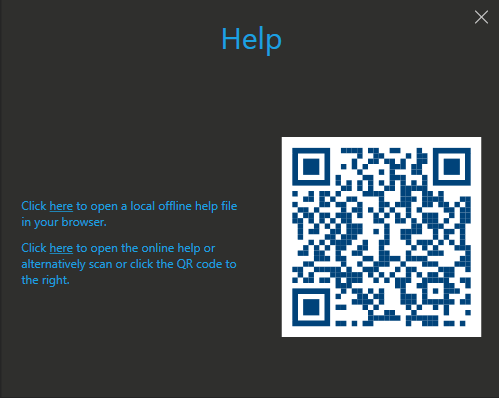
An export of the online help may be installed by the app setup, and accessible using the first link in this pane. Alternatively, click on the second link, or use the QR code to access this help online at https://library.pointelectronic.de/books/camera-control/
The QR code is provided for easy access with a mobile phone or tablet in situations where the lab PC is not connected to internet.