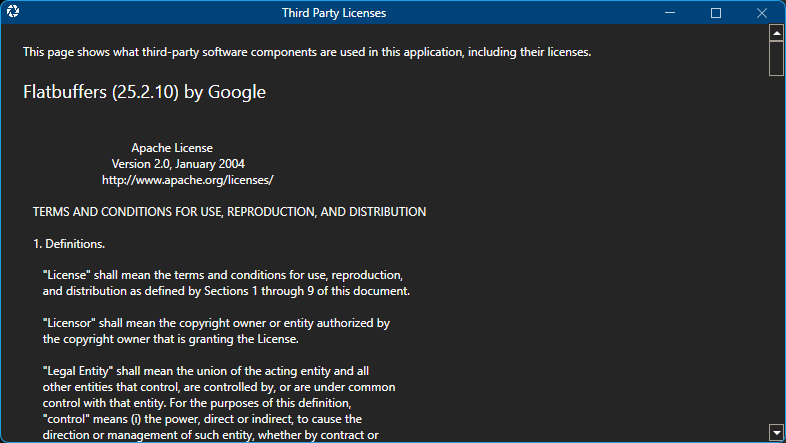
About pane
To see the about panel, click on '...' button aligned right on the top of the Ribbon toolbar, and then select 'About'. The Experiment and Spectrum panels will be replaced by the About pane, as show in the screen shot below.
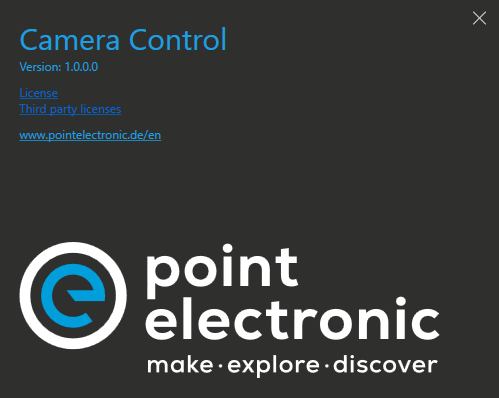
About panel will display the name and version of the app, as well as link for the app own license, and third party licences, as show below. Click on the close button to return to the Experiment and Spectrum panes.