
Explore metadata with a text editor
Metadata can be read with a plain text editor, preferably with one that also has XML parsing, such as Notepad++ or Visual Studio Code.
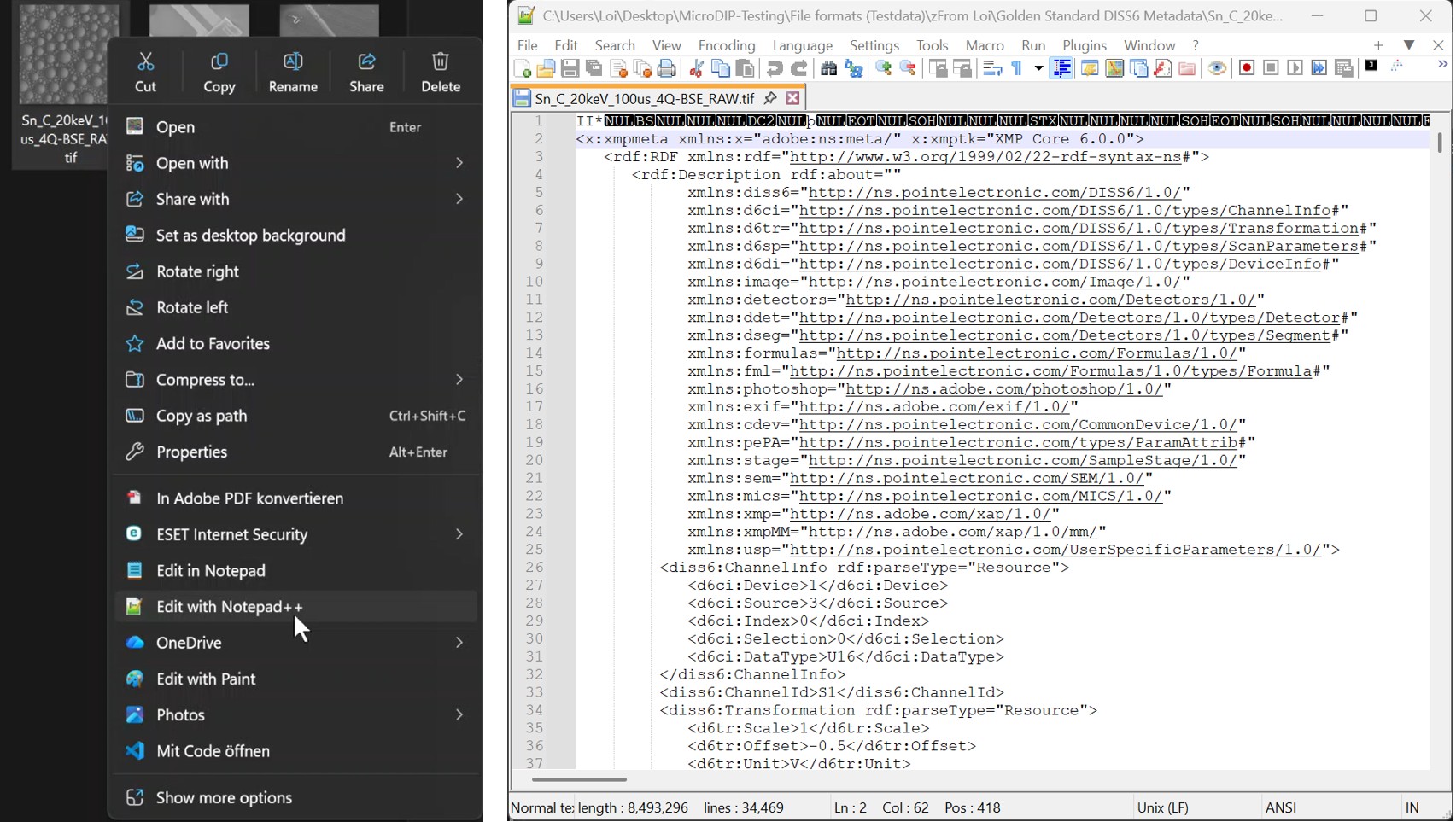
Instead of opening the image files, click right to open the context menu and choose 'Open with' or 'Edit'.
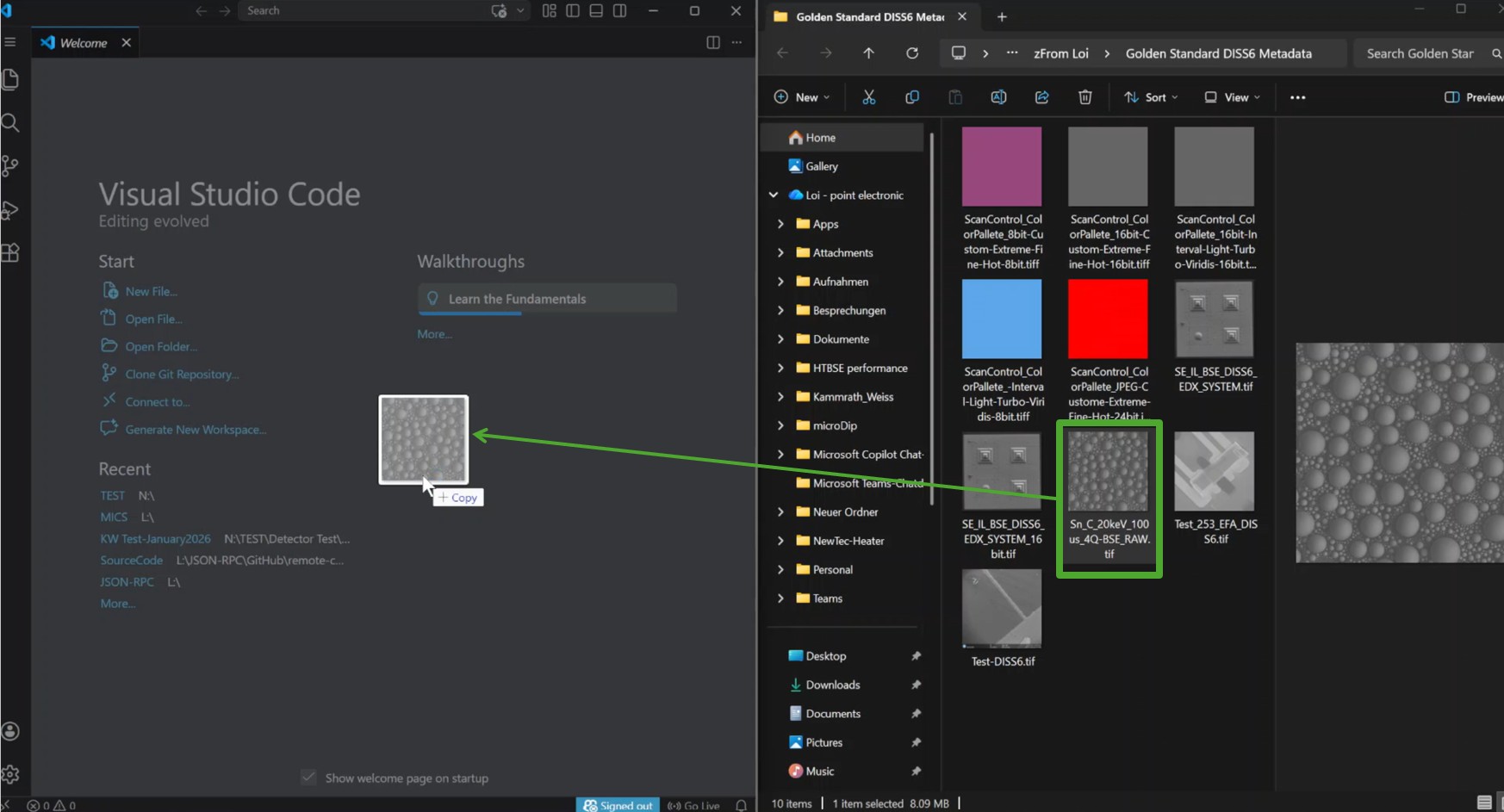
Alternatively, open the text editor, drag and drop the image file
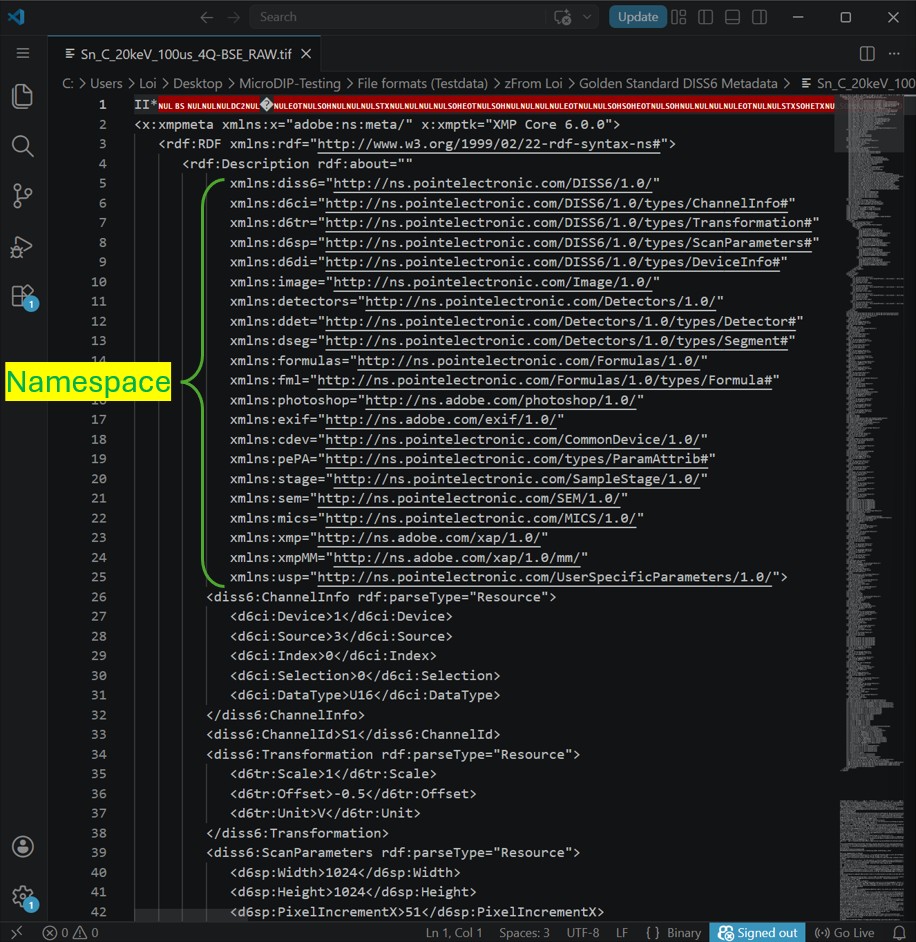
In the editor, all the Namespaces can be viewed.
Definition of all metadata tags used by point electronic GmbH can be found in DISS metadata | Point Library
In addition to reading the full metadata information, users may also be able to use these text editors to edit or add values and tags, however this is discouraged - be aware of potential data corruption before attempting this!