How To Read Metadata
Text Editor
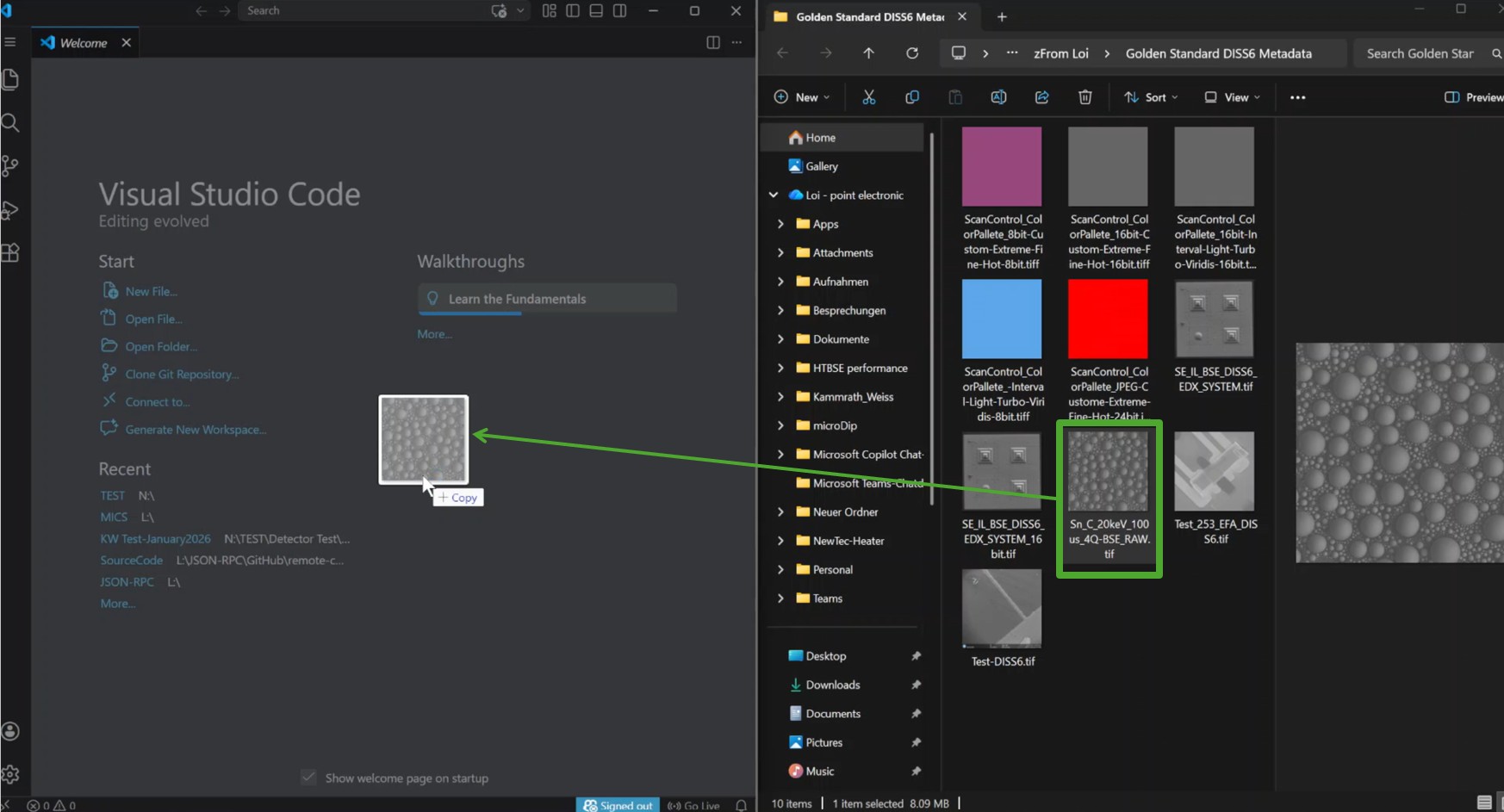
Metadata can be read by simply using a source code editor program such as Notepad++ or Visual Studio Code
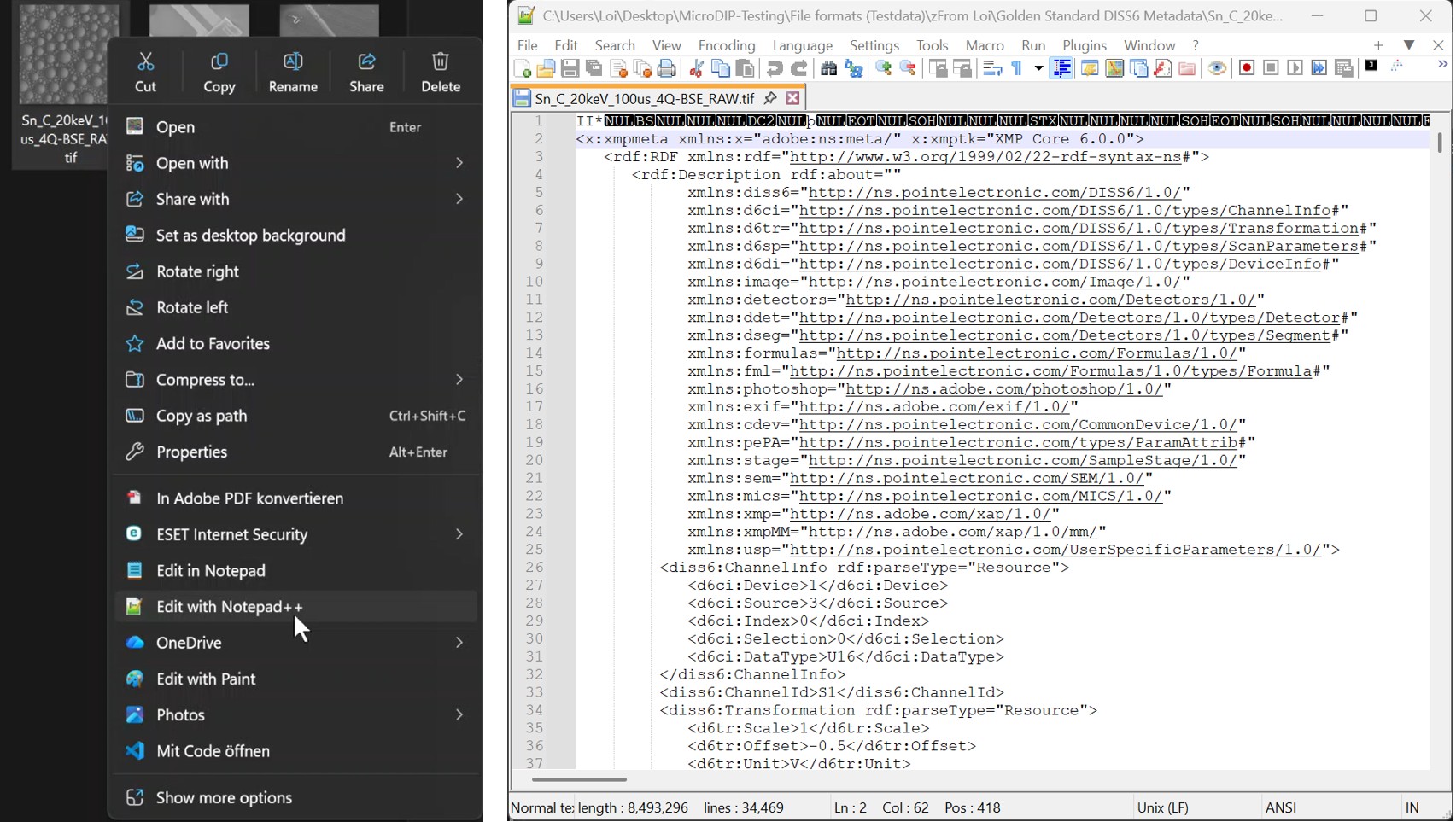
In the editor, all the TIFF tags can be viewed. Details of all existing TIFF tags can be found in DISS metadata | Point Library

Aparting from having access the full information of metadata, users can also utilize these editors to edit or modify the structure of metadata as well as saving all the changes permanently. Be aware of backing up the data before attempting to do this!
MicroDIP
Alternatively, MicroDIP provides a metadata viewing function which enables the users to read metadata without relying on an external program during data analysis. Upon finishing loading images, a short summary of metadata is displayed (on a so-called 'Side Pannel') by choosing 'Metadata' function in 'Home' tab.
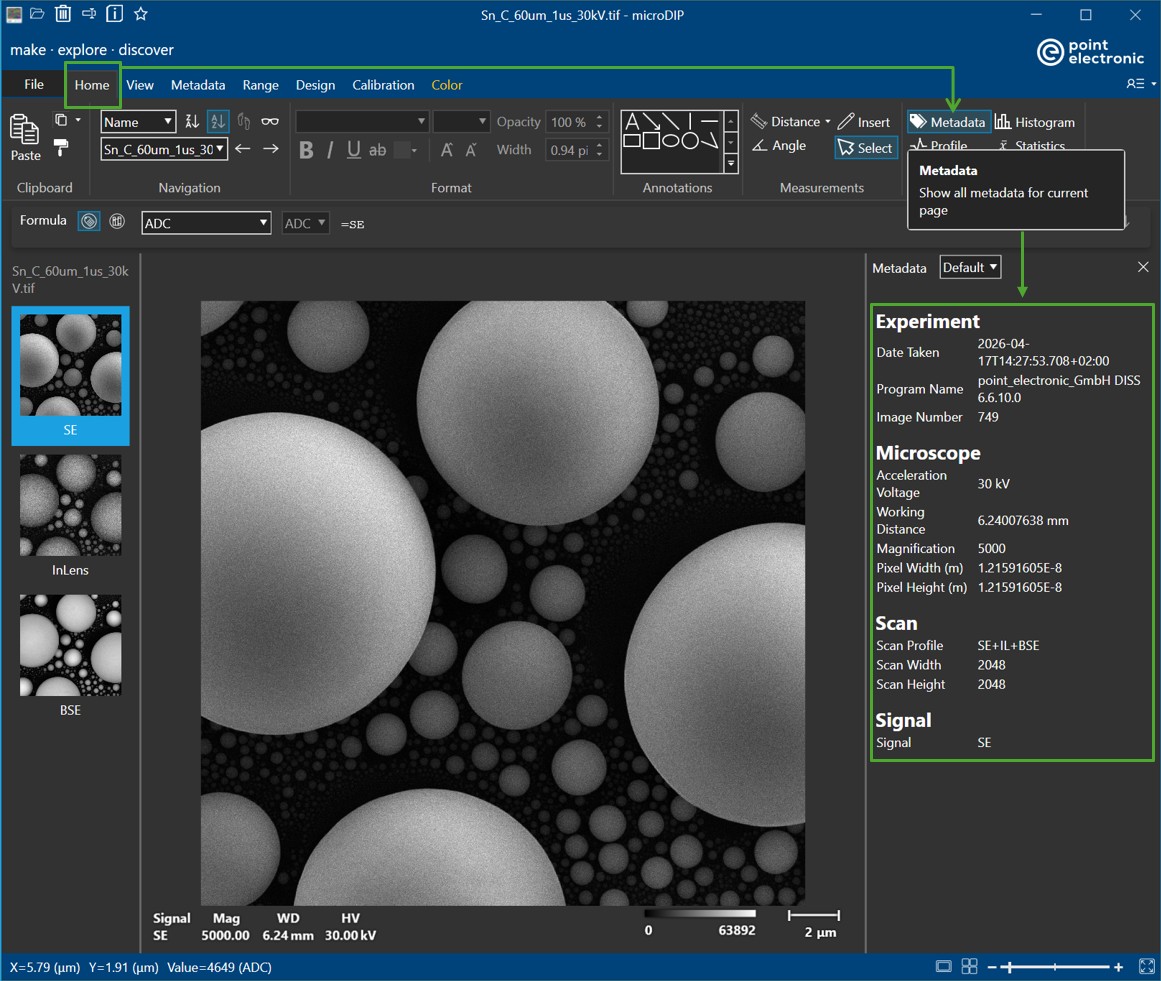
Should the users wish to have a full view of all the stored metadata information, they can navigate from 'Home' tab to 'Metadata' tab
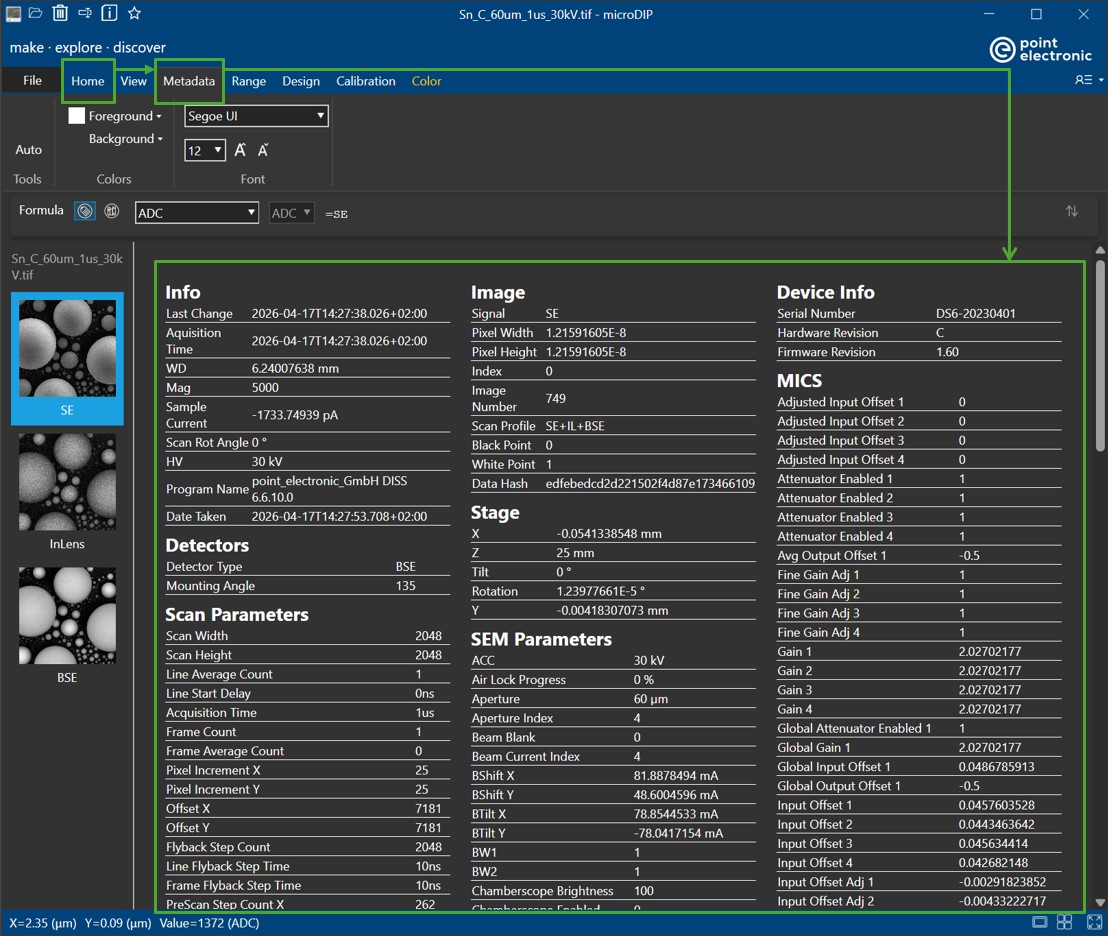
In the full view of metadata, users will have the options to change color, font style and font size the visibility (color, font style and font size) of the displayed metadata to their desire (in 'Color' amd 'Font'). The displayed metadata-of-interest can be searched via keywords by using Ctrl+F (or drag selecting the text and Ctrl+F to search for the similar occurrence). The information can be copied and pasted to other programs by simply right-clicking and choosing 'Copy'