
Export colour images with microDIP
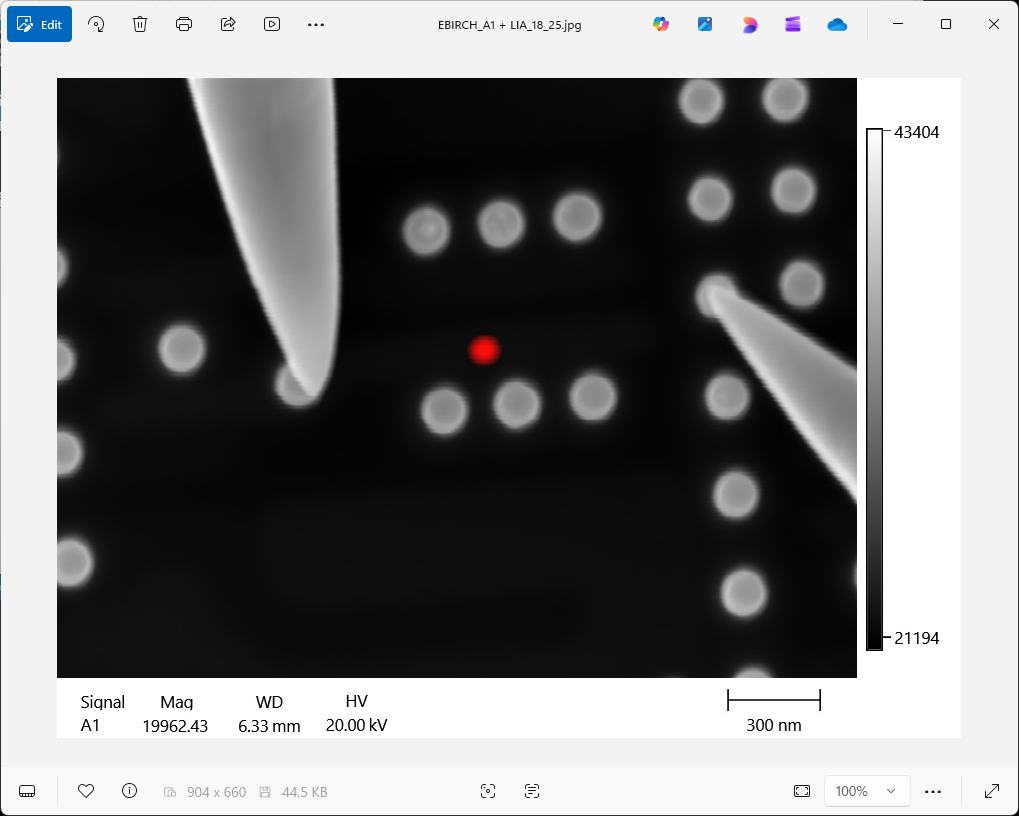
To export the mixed image, use File > Export > Image, use the automatic file name or write new, and choose desired location.
A few file formats are available for export
- JPEG file format will export only the mixed signal, including metadata
- TIF file format will export the original and the mixed signals, including metadata
- PNG file format will export only the mixed signal, without metadata
If the mixed image is meant for reports, but further distance measurements will be needed on the mixed image, then choose JPEG. It the image is not meant for reports, then use the multi-page TIF format. If metadata must be removed for confidentiality reasons, then choose PNG.