Compose BSE colour images with microDIP
Open the 'BSE.tif' sample image and select Home > Tools > Mix, choose Mix > Operation > Average and select all four signals in the left side panel. For BSE signals such as this, averaging signals is equivalent to a 'Compo' mix

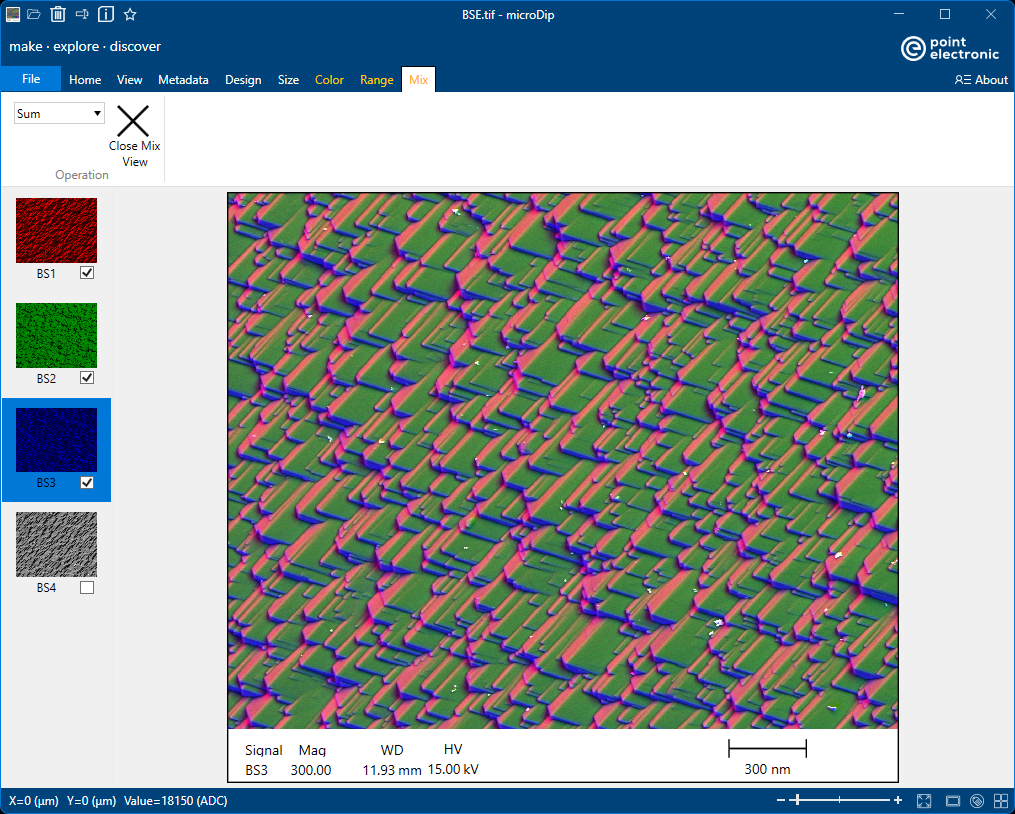
For completeness, a colour mix is also possible. Select first three signals only in the left side panel, choose Mix > Operation > Sum and choose Color > Source > Manual > Monochrome for each to change colours to red, green, blue.