Compare pixel values across signals or images with microDIP
Prerequisites
For intensity calibration/quantification to work
- metadata much contain the necessary hardware values as tags
- scan controller hardware has to be calibrated the particular signal/channel
- images must be saved without compression, which means 16-bit depth
To verify that a file is recorded in 16-bit depth, if the file is already open in microDIP, press the File Information button in the Quick Access Toolbar, as shown in the screenshot below.

This will open the native Microsoft Windows File Property windows, where select the Details tab and look for the 'Bit depth' property.
Signals in the same page
For a quantitative comparison between different signals or images, where the black and white levels are set to the same physical signal levels, please set the same
- Formula in the Formula bar
- Minimum and Maximum values in the Range toolbar
- Colour and inverse in the Colour toolbar
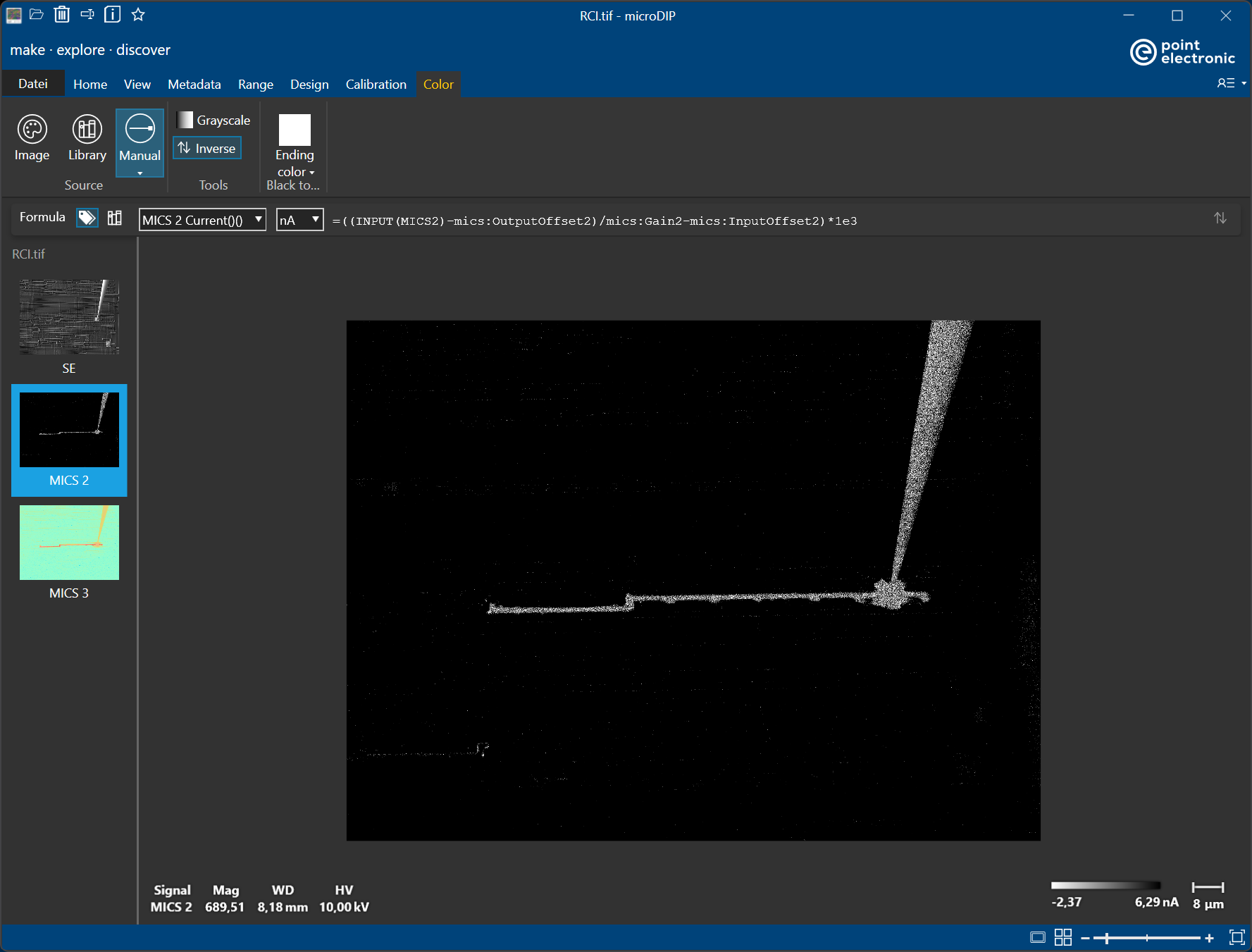
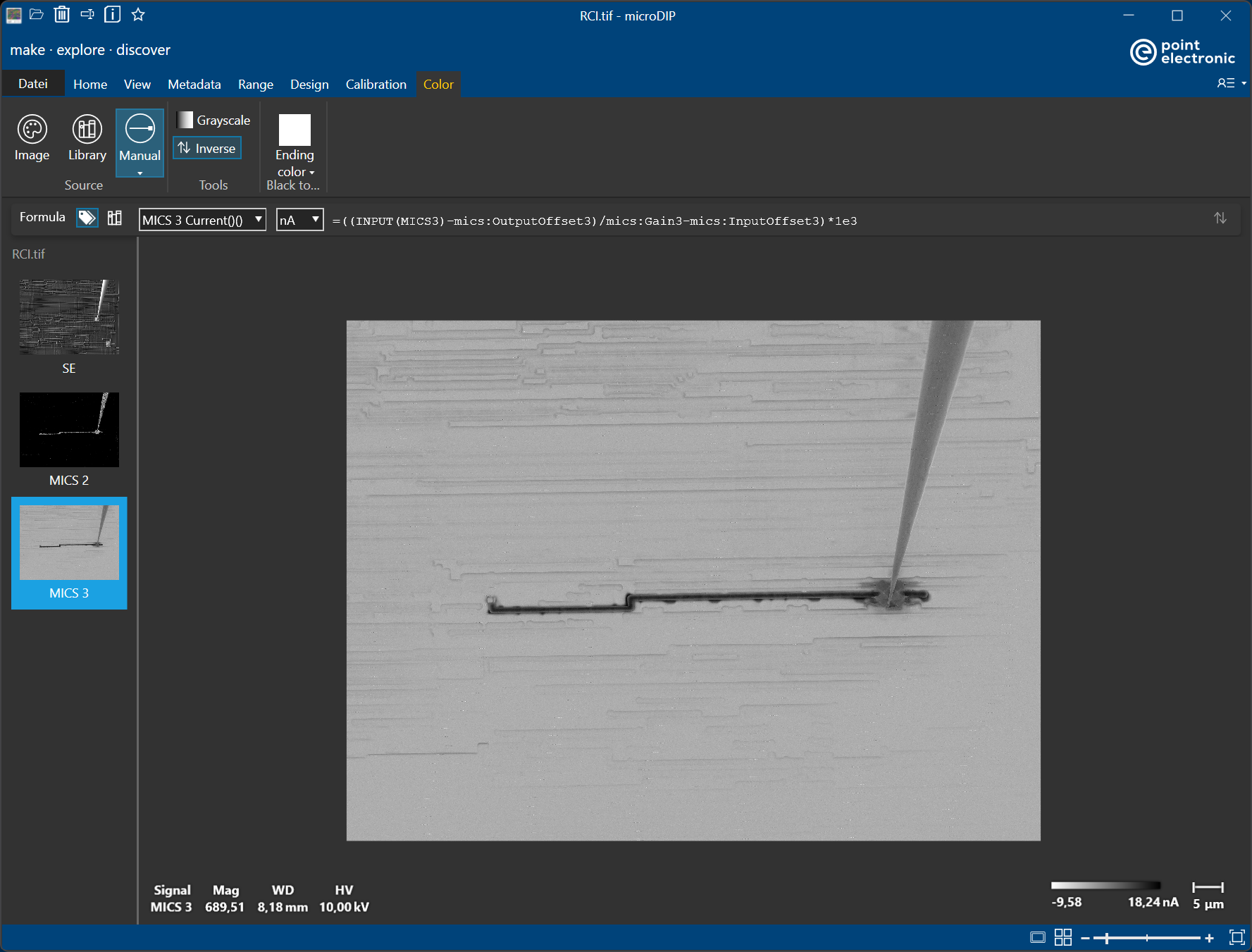
for both signals or images, as in the example inserted below.
Note that Intensity Bars in the two images have the same range -2 nA to 5 nA.