View Metadata in microDIP image processor
MicroDIP provides a metadata viewing function which enables the users to read metadata without relying on an external program during data analysis. Upon finishing loading images, a short summary of metadata is displayed (on a so-called 'Side Pannel') by choosing 'Metadata' function in 'Home' tab.
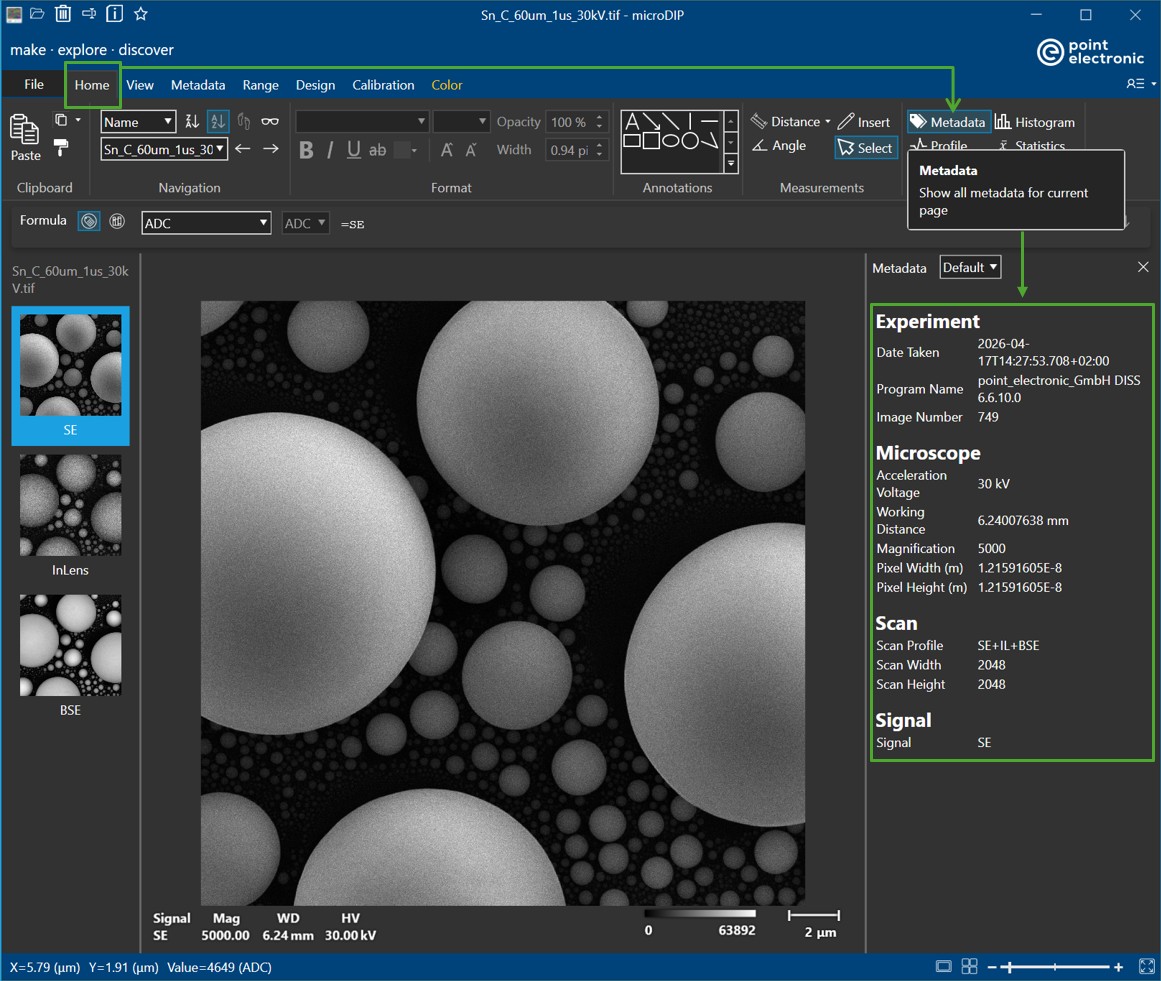
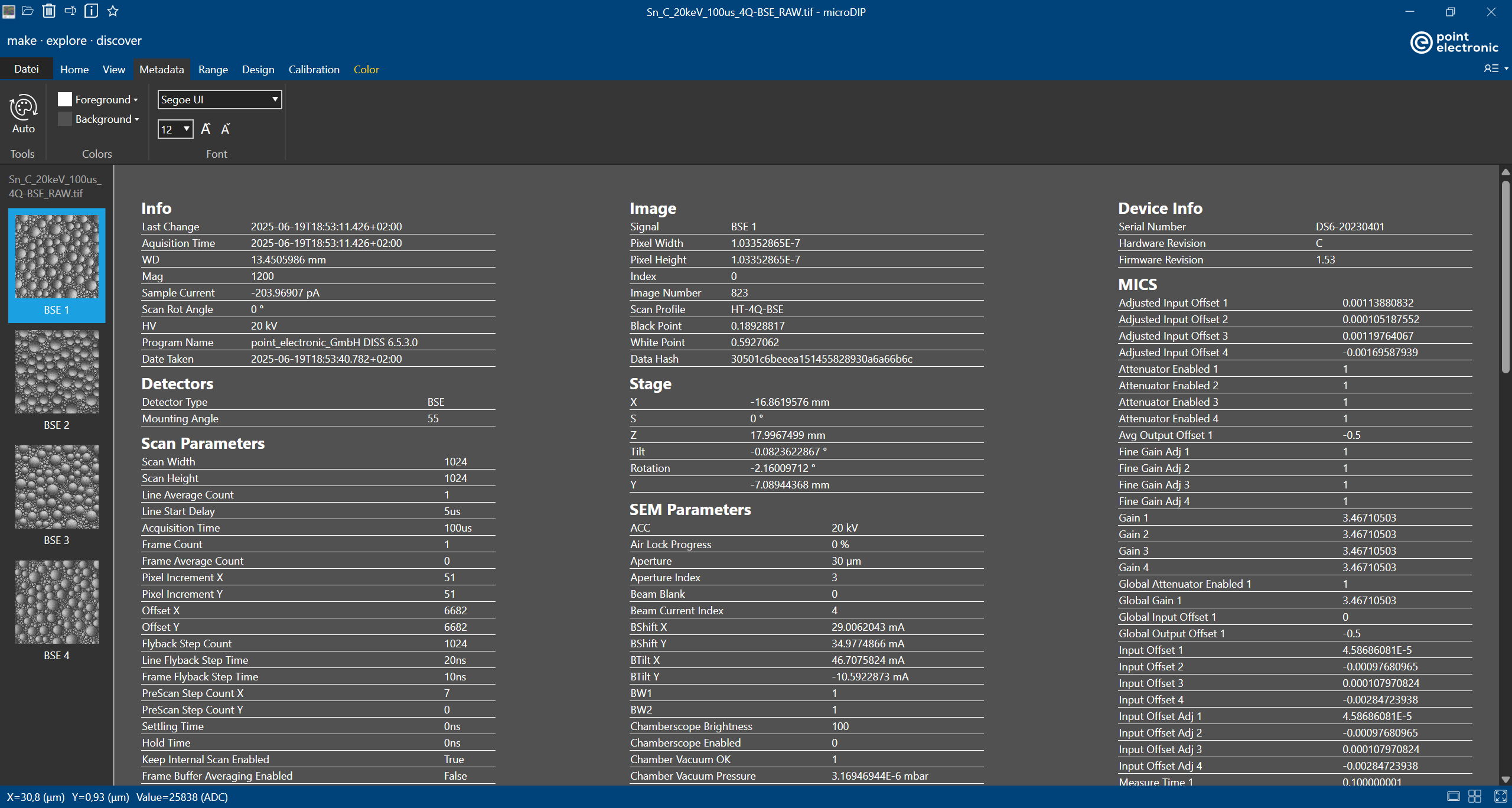
Should the users wish to have a full view of all the stored metadata information, they can navigate from 'Home' tab to 'Metadata' tab
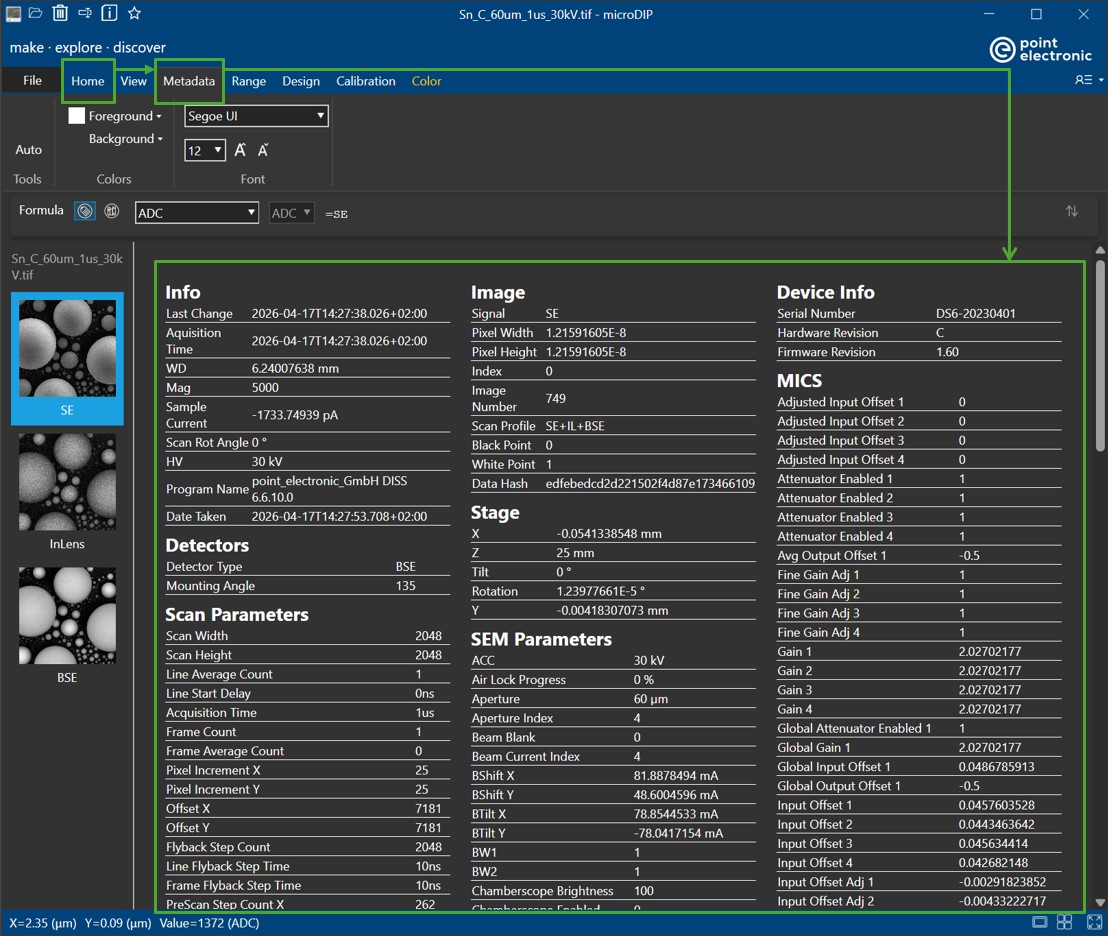
In the full view of metadata, users will have the options to change color, font style and font size the visibility (color, font style and font size) of the displayed metadata to their desire (in 'Color' amd 'Font'). The displayed metadata-of-interest can be searched via keywords by using Ctrl+F (or drag selecting the text and Ctrl+F to search for similar occurrences). The information can be copied and pasted to other programs by simply right-clicking and choosing 'Copy'
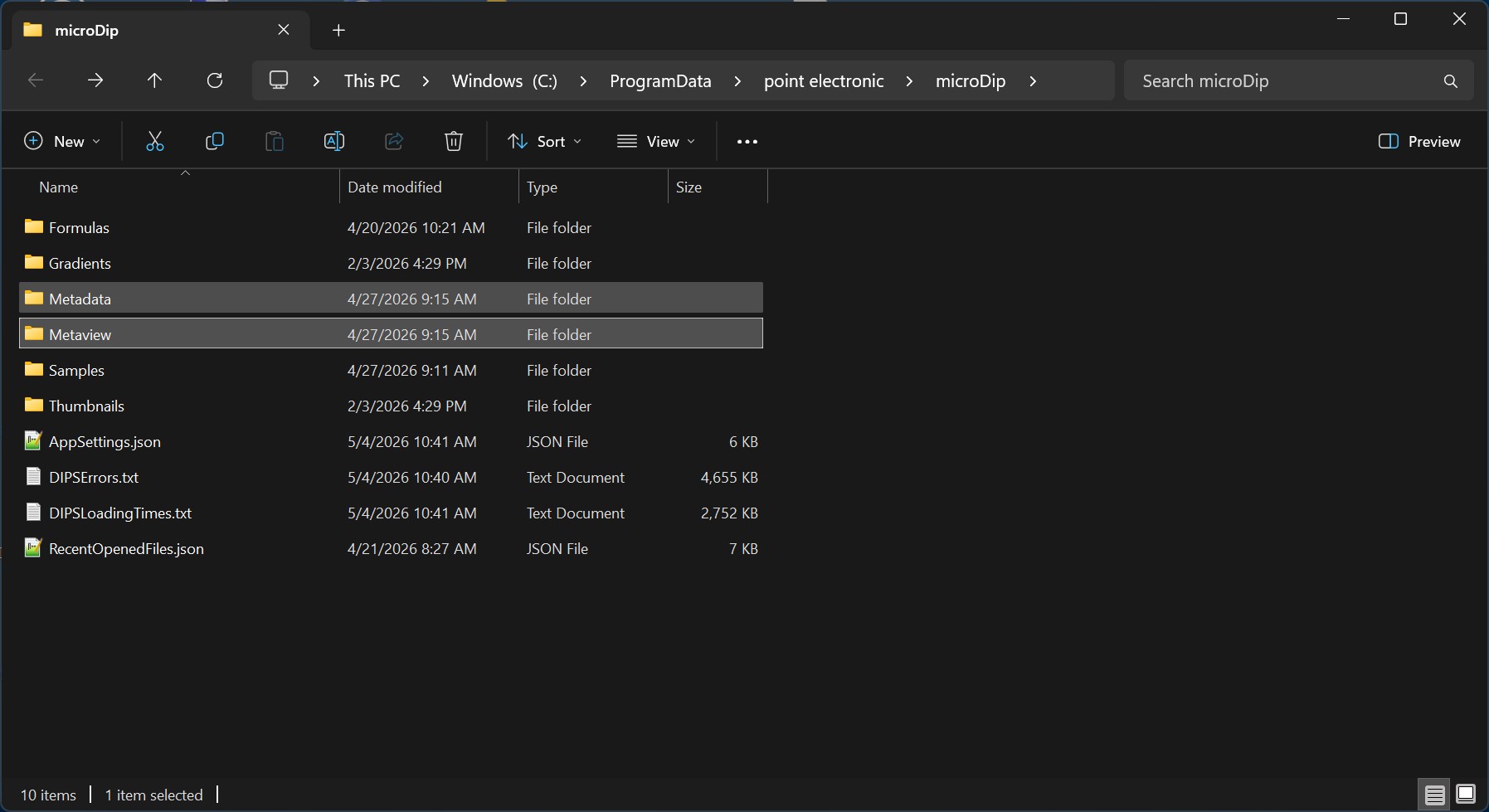
The settings of the 'Side Pannel' and the full metadata view (HTML data) are usually found under
C:\ProgramData\point electronic\microDip.
Modifying these HTML data will result in how the metadata is disaplyed and how much information is shown in MicroDIP.
Metaview
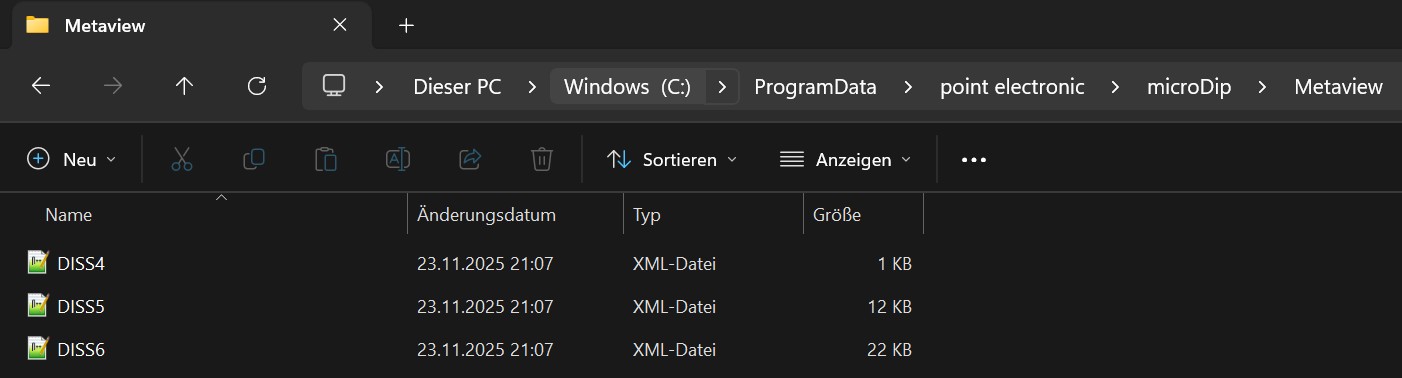
In Metaview, users can find the .XML files. These files should be created for different metadata stuctures. For example, DISS6 metadata will have a different and upgraded format compared to DISS5 metadata. Inside the XML files, users can define their own labels of all the Namespaces which can be used later to present metadata on an HTML format. 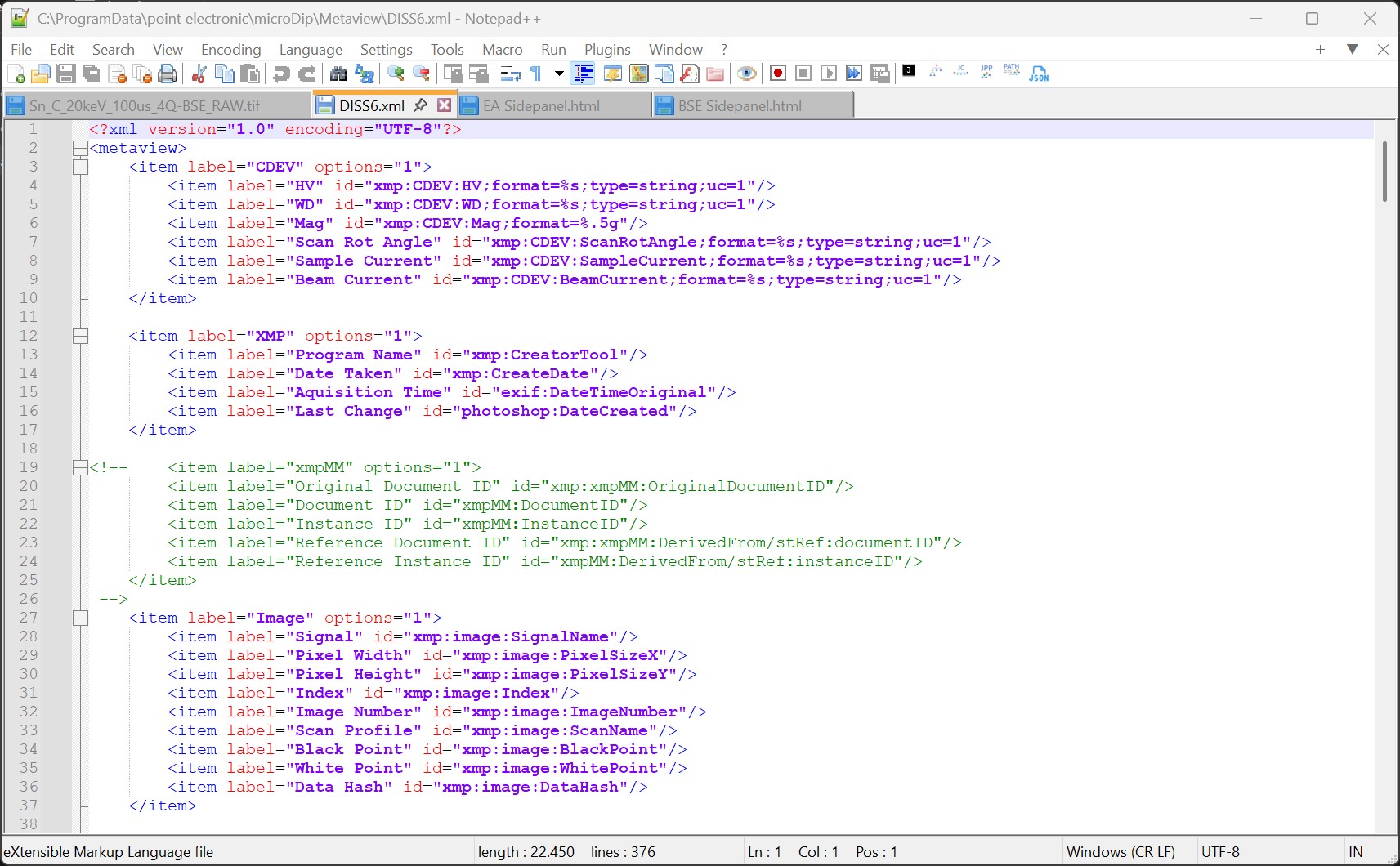
In a simple term, the .XML file will act as a 'bridge' between the .XMP and .HTML file. XMP files will store the parameters as entries under its unique Namespaces (DISS6 XMP | Point Library for example). XML files will create labeling for convenient usage of analysis, data searching and so on. HTML files will handle the display of metadata (table, font, color, etc.) if correct labelings are called.
Metadata
In this folder, HTML files will be stored.
Main Panel
C:\ProgramData\point electronic\microDip\Metadata\'Mainpanel.html'
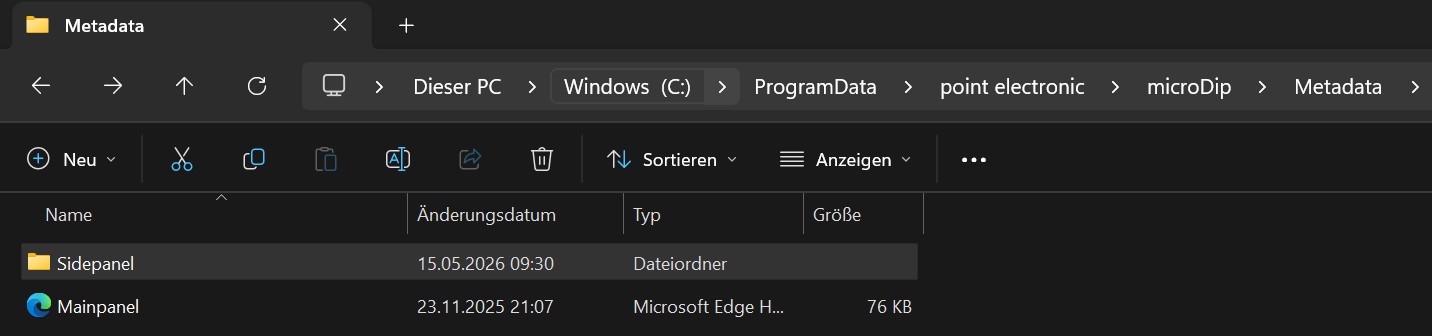
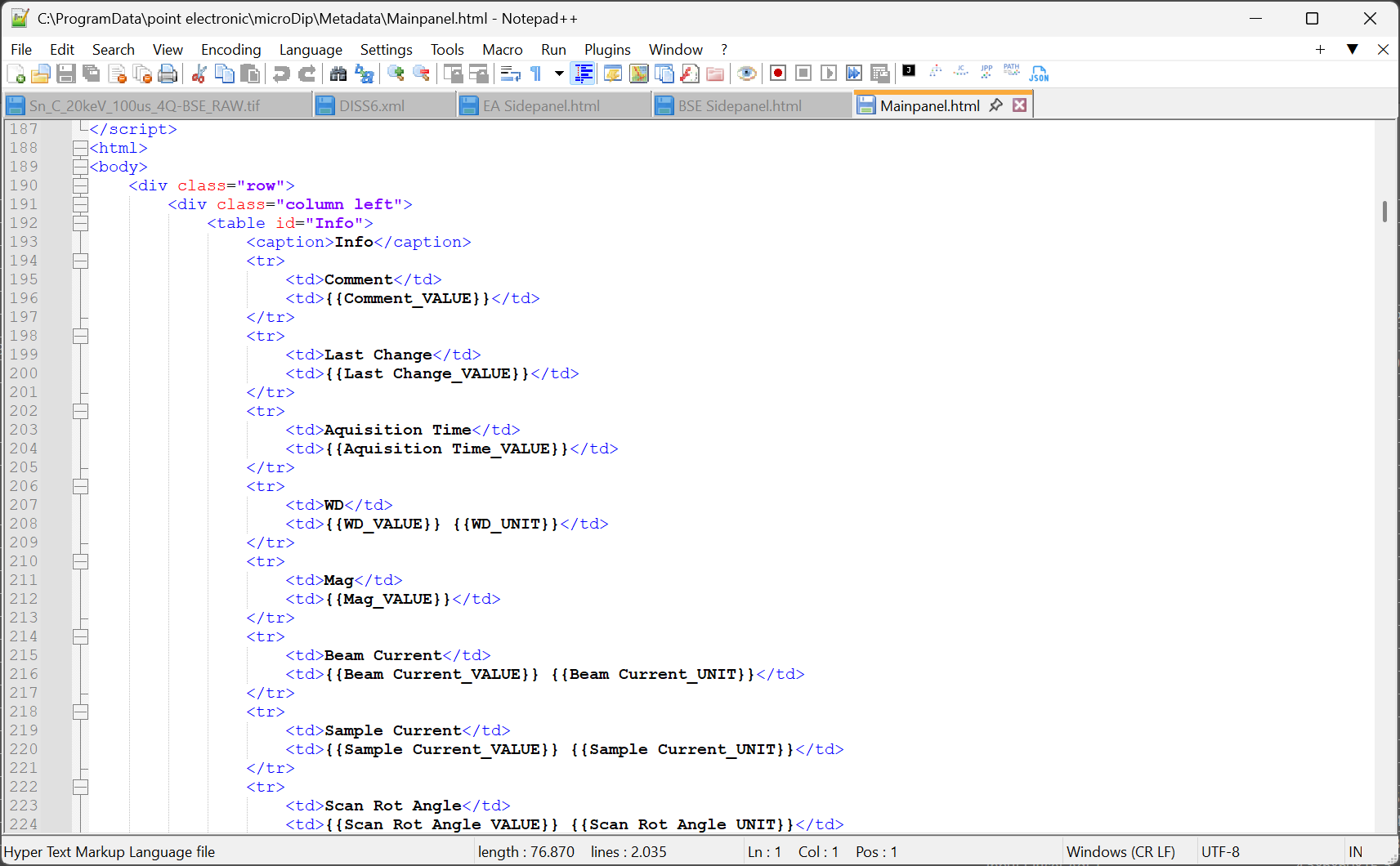
This HTML file will handle the metadata presentation in 'Home tab > Metadata tab' in MicroDIP. Users can define how the metadata should be displayed. An example of metadata with all the parameters being sorted in three different columns is shown below
Side Panel
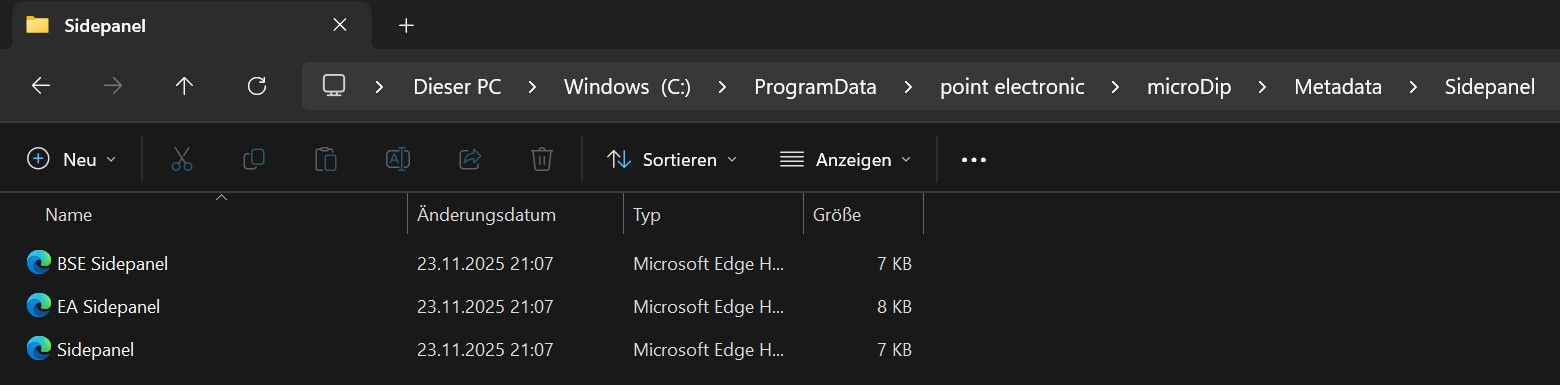
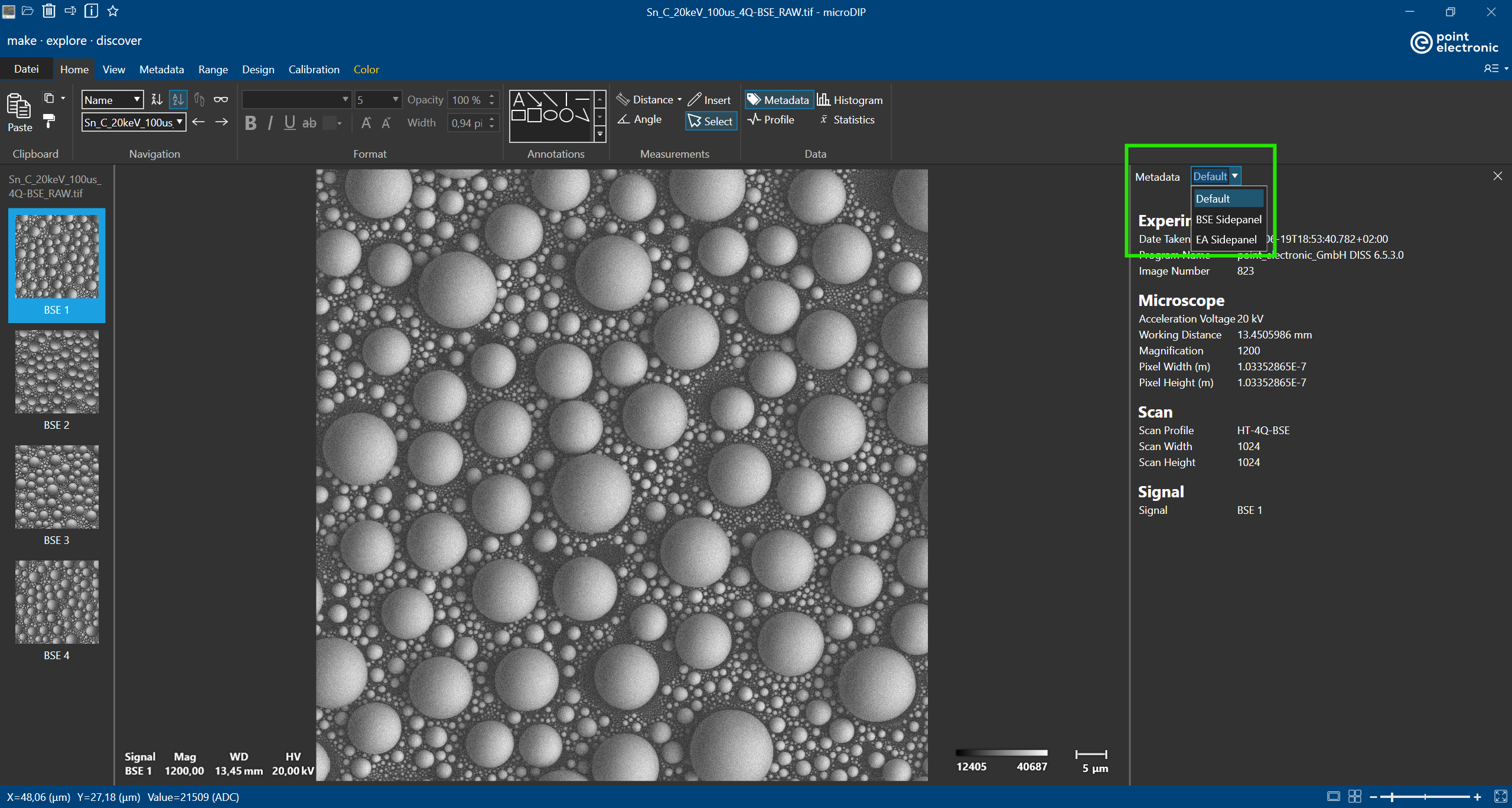
A list of selective metadata can be displayed with the 'Metadata' button in 'Home' tab in MicroDIP. Users can have multiple side panels with customized names which are the names of the corresponding HTML files in 'Sidepanel' folder.