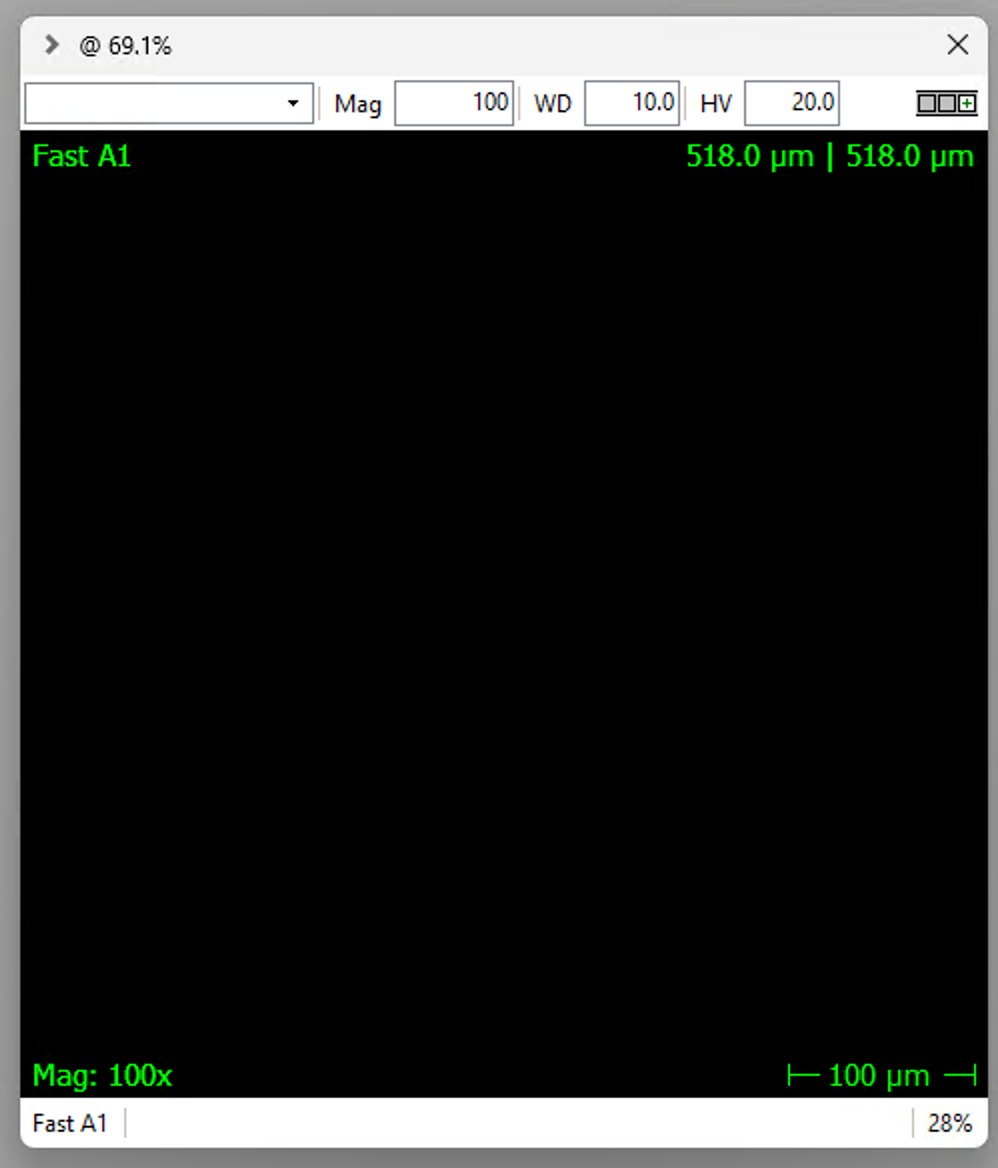
DISS6 plugin settings
Same PC
If EMGateway and DISS6 are running on the same PC, then default DISS6 installation and settings are OK.
Different PCs
If EMGateway and DISS6 are running on different PCs, then the two PCs must be set up on the same local network and the IPs should be known.
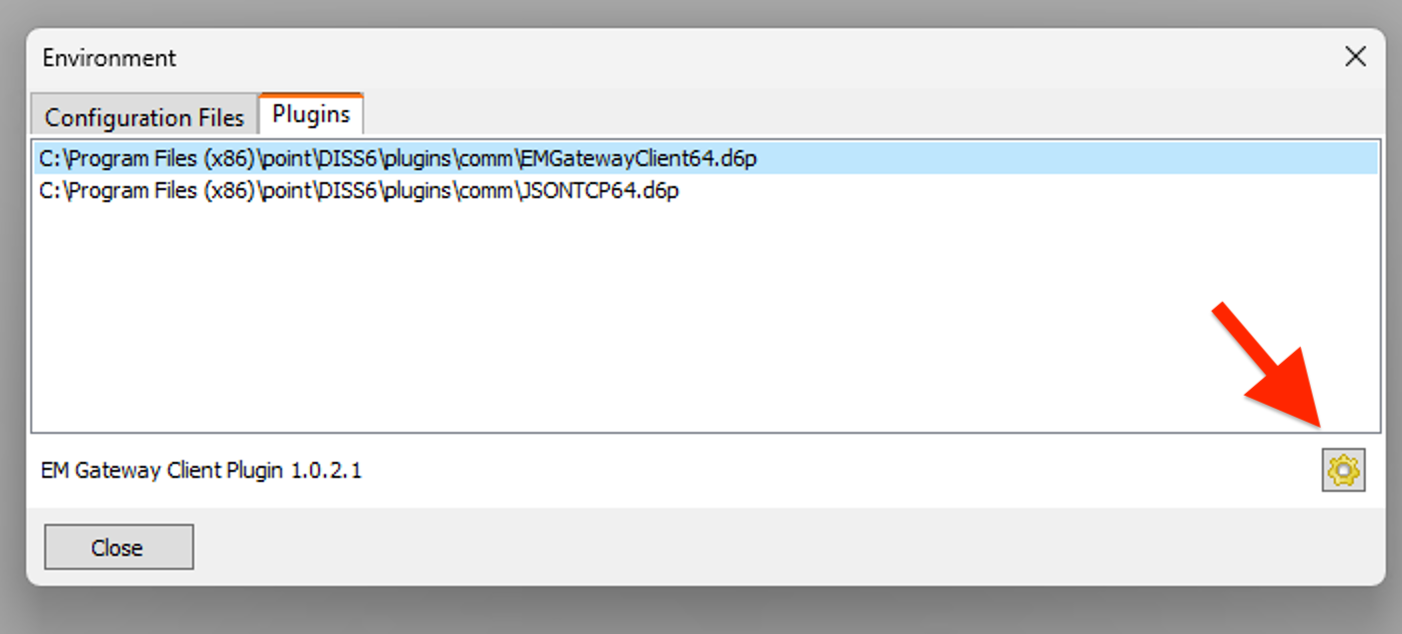
Open DISS6, in the menu bar select Info > Environment, which will open the Environment dialogue window. Here select the Plugins tab, and press the Settings icon as shown below
This will open the Settings window, as shown below.
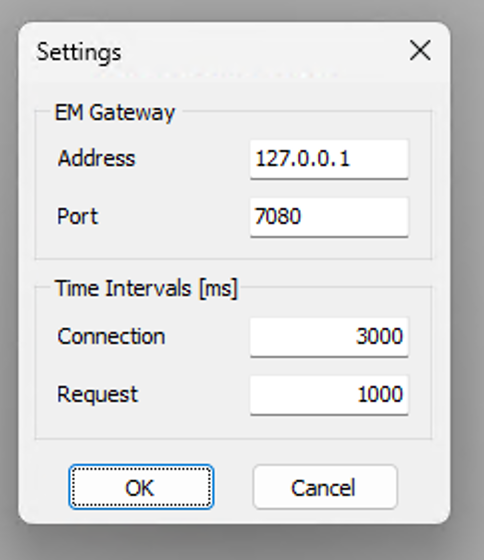
Replace here the local 127.0.0.1 address with the IP address of the PC running EMGateway. Press OK in the Settings windows and Close in the Environment Window. Start a new scan in DISS6 and note if the Mag, WD and HV fields are filled in with values obtained from the EMGateway running on the other PC.