Quantification
Scope
How to identify datatype
If the file is already open in microDIP, press the File Information button in the Quick Access Toolbar, as shown in the screenshot below.

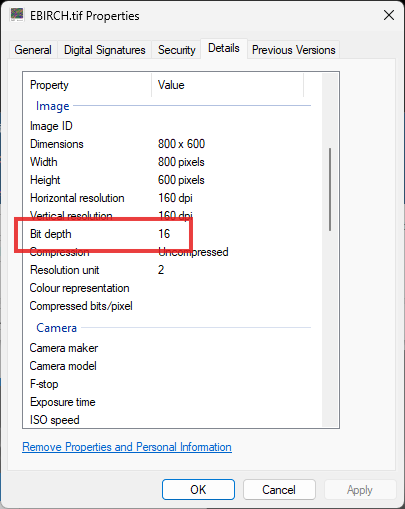
This will open the native Microsoft Windows File Property windows, where select the Details tab and look for the 'Bit depth' property. Screenshot below shows an example for a 16-bit file.